Gas Station Checklists & Planners
Practical session tools so you spend cash and wood in the right order every login.
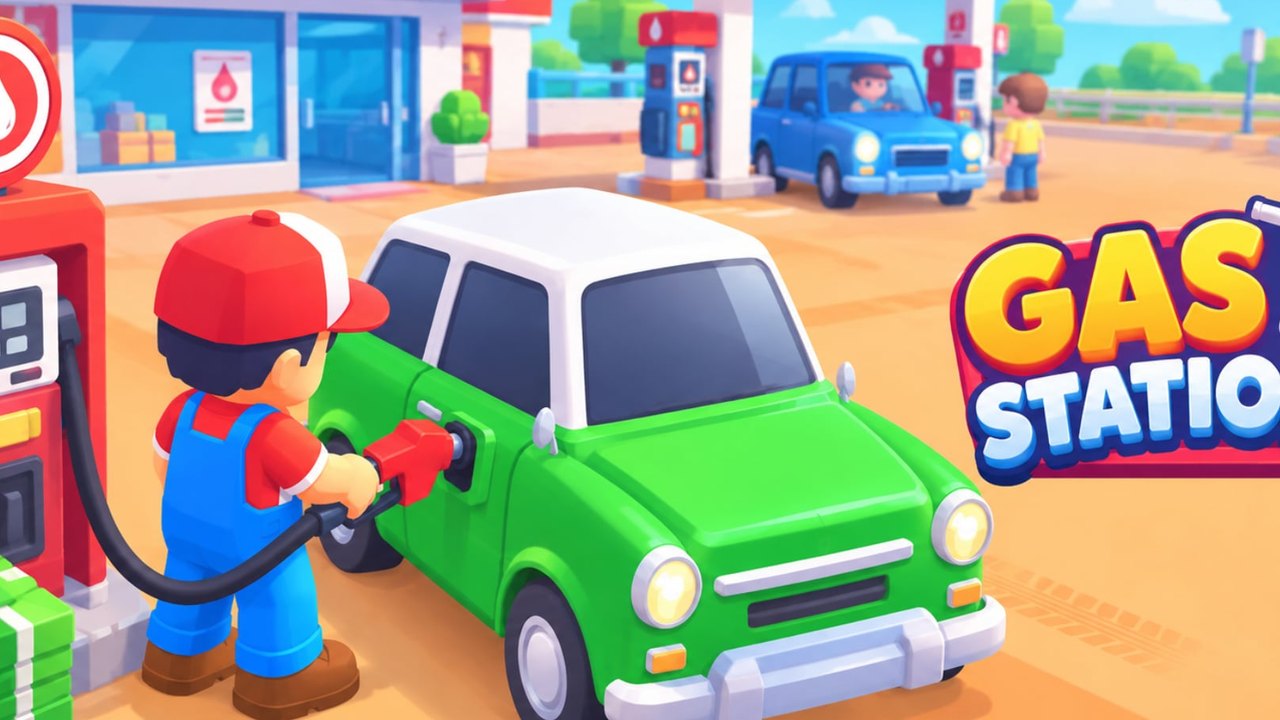
The Tools Hub turns Gas Station advice into checklists you can run in a short session. It does not replace deep guides—it sequences them. Use this page when you log into Gas Station: Junkyard Tycoon and want a no-drama plan for clearing junk, upgrading the tool, opening pumps, and claiming offline cash.
Deep dives: Getting Started, Tool Upgrades, Expansion Build Order, Helpers and Offline, Controls. Spend ranks: Upgrade Tier List Hub.
Five-minute login checklist
- Claim offline earnings before buying anything.
- Glance at top-screen quests—note cash/wood targets.
- Walk the entrance road; clear anything blocking customer flow.
- If debris shows Need tool lvl, upgrade the tool before other spends.
- Confirm helpers still cover pumps; rehire/reassign if needed.
- Only then open the build menu for the next quest pad.
- Stop with a cash and wood buffer still in the wallet.
Print this mentally; it prevents the classic mistake of dumping overnight cash into prices on an empty lot.
Road & access planner
Goal: cars can reach at least one working pump.
- Entrance lane free of tire stacks / wrecks
- Tool level high enough for the heaviest blocker on that path
- First pump built and reachable
- Optional: second lane cleared only after the first earns steadily
If a prettier pile sits behind the shop but the road is clogged, road wins. Details in Getting Started and the S-tier notes on the tier list.
Tool upgrade planner
Goal: never stand in front of junk you cannot clear.
- Note the level number on blocked debris
- Compare to current tool level
- Buy tool upgrades until that pile is clearable
- Clear the pile, then reassess the next gate
- Avoid spending the entire bank so quests still complete
Full explanation: Tool Upgrades.
Expansion planner (build order)
Work top to bottom; skip a line only if a quest forces otherwise.
- Tool + road access (always first)
- First fuel pump online
- Helper on that pump when manual service slows you
- Extra pump / capacity if cars queue
- Car wash when wood/cash buffers allow
- Body repair as the next service lane
- Grocery and toilet to round out foot traffic
- Price upgrades after real traffic exists
Companion guide: Expansion Build Order.
Offline & helper planner
- At least one helper assigned before long logout
- Pumps not left in a broken/unbuilt state overnight
- Claim window checked on return (do not build mid-claim confusion)
- Re-clear any new junk that spawned or remained on the drive
Read Helpers and Offline for why staffing beats AFK standing in the lot.
Resource buffer rules of thumb
- Keep enough wood for the next obvious pad.
- Keep enough cash for one tool upgrade or one helper—whichever your quest implies.
- Do not “finish the wallet” on sell-price taps.
- If a gift code ever appears, redeem after claiming offline cash so rewards are visible (Codes).
Weekly maintenance checklist
Once or twice a week:
- Skim Updates if a store version changed
- Re-read tier list if costs feel different
- Verify play links still work on Links
- Confirm controls still match your device (Controls)
How to use this hub mid-guide
Open the Tools Hub in a second tab, tick the planner that matches your bottleneck (tool, road, expansion, offline), then return to the matching guide for the “why.” That split keeps sessions focused without rereading every paragraph.
Gas Station rewards boring consistency: clear access, respect tool gates, staff pumps, leave buffers. These checklists exist so that consistency is easy even on a short break.
Frequently Asked Questions
Quick answers to the most common questions.
Is this Tools Hub an in-game calculator?
No. It is a wiki checklist and session planner for Gas Station priorities—road, tool, pumps, helpers, and buffers.
Which checklist should I run every login?
The five-minute login checklist: claim offline cash, read quests, clear the road, fix tool gates, confirm helpers, then build with a buffer left.
Where is the detailed build order?
Use the expansion planner here for boxes to tick, and Expansion Build Order for the full written guide.
Do I need these tools if I already follow quests?
Quests are great, but checklists stop you from spending buffers or ignoring road access between quest steps.
Can I combine this with the tier list?
Yes. The Upgrade Tier List ranks spends; this Tools Hub sequences actions during a session.