Gas Station Tool Upgrades & Need Tool Lvl
Stop bouncing off heavy junk—raise the tool, clear the path, and unlock the real station.
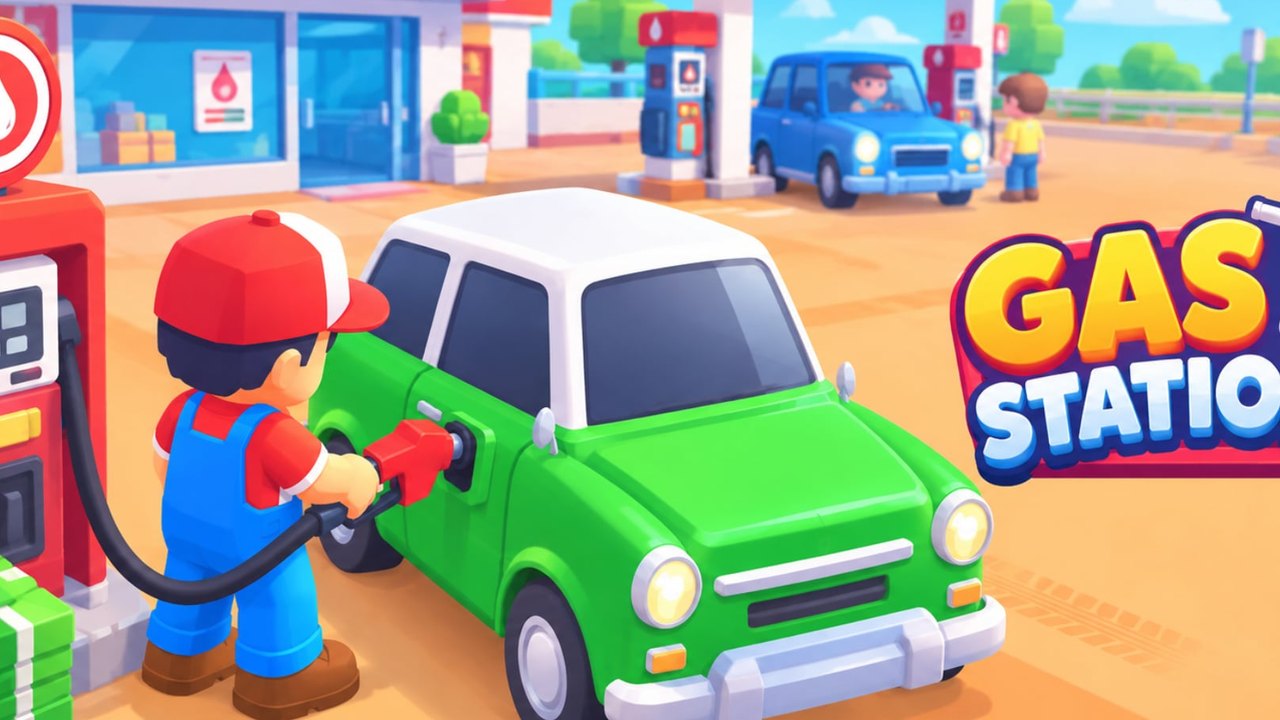
If Gas Station keeps telling you Need tool lvl, this guide is the fix. Tool upgrades are the S-tier spend on the Upgrade Tier List Hub because heavy debris sits on roads, pump pads, and quest objectives. No amount of car-wash dreaming helps while a wrecked bus seals the entrance.
Read this alongside Getting Started and Expansion Build Order. Use the Tools Hub planner to tick tool checks every login.
What the tool actually does
Your worker clears junkyard debris with a tool that has a level. Soft trash yields early; tires, metal stacks, and car hulks demand higher levels. The game surfaces the requirement on the object—compare it to your current tool, then buy upgrades until you meet or exceed that number.
Clearing pays cash and feeds material income (wood matters for builds). Skipping the tool to buy cosmetic station flair creates a soft-lock: you own upgrades you cannot walk to.
How to read Need tool lvl
- Approach the blocked junk.
- Note the level requirement in the prompt.
- Open the upgrade UI and raise the tool.
- Return and clear immediately—do not wander into unrelated purchases mid-fix.
- Re-scan the road for the next gated pile.
If several piles show different levels, solve the lowest gate on the critical path first (usually entrance → pump), then climb. Clearing a high-level decorative corner while the driveway stays blocked is a common misplay.
When to buy tool levels vs other upgrades
Buy tool now when:
- Quests point at debris you cannot break.
- Cars cannot reach pumps because of a gated wreck.
- A build pad is buried under level-locked scrap.
- You are walking past the same object every minute accomplishing nothing.
Wait on tool (briefly) when:
- You are one quest reward away from the cash you need and the gate is not on the road.
- You must place a pump that is already clear to satisfy a timer-like customer flow.
- You literally cannot afford the next tool tick without dropping below a wood buffer required for a simultaneous quest pad—keep the buffer, earn one more clear of soft junk, then upgrade.
Default bias: tool first. The tier list and almost every efficient run agree.
Tool upgrades and wood/cash buffers
Tool levels cost money you also need for buildings. Healthy habit:
- Maintain enough cash for the next tool tick or the next quest pad—whichever is blocking.
- Never finish the wallet on sell-price sliders while a level gate remains (tier list ranks early prices as C/D).
- After a big tool spike, clear a cluster of newly accessible junk to refill the wallet before hiring or expanding.
Wood is less tied to the tool itself but still critical: clearing lanes reveals pads that demand wood. Coordinate with Expansion Build Order.
Session routine focused on tools
- Claim offline earnings (Helpers and Offline).
- Check quests for debris verbs (clear, remove, clean).
- Walk the entrance; list every Need tool lvl number you see.
- Upgrade to the highest number required on that path.
- Clear the path in one continuous loop.
- Only then open side-yard curiosity piles.
- Leave a cash buffer; log off if needed.
The Tools Hub mirrors this as checkboxes.
Signs you under-leveled the tool
- You circle the map performing only tiny trash clears.
- Helpers are hired but cars never arrive (road still gated).
- Quests stagnate on “clear X” objectives.
- You over-invested in grocery/toilet while the pump lane is clogged.
Fix: stop side spends, meet the tool number, clear, then resume expansion.
Signs you overspent on the tool
True overspend is rare early, but possible if you max the tool while ignoring an already-clear pump pad the quest wanted. If quests scream “build” and the pad is open, place the building, then return to tool climbing.
Platform notes
Tool gates behave the same on CrazyGames, YouTube Playables, and Google Play (gas.station.idle). UI chrome differs; the level math does not. After patches, re-check costs on Updates but assume gates still exist.
Video and next reads
The walkthrough embedded on this page shows early upgrade pacing in motion. After your tool catches the current yard, continue with Expansion Build Order for pumps and services, Helpers and Offline for labor, and Controls if you still miss interactions. Gift codes will not replace tool levels—see Codes for honest expectations.
Raise the tool, open the road, then build the station. Everything else in Gas Station is details on top of that spine.
Frequently Asked Questions
Quick answers to the most common questions.
What does Need tool lvl mean in Gas Station?
The junk is too heavy for your current tool. Upgrade the tool until you meet the required level, then clear the debris.
Should I upgrade the tool or the fuel price first?
Tool first whenever debris blocks roads or quests. Prices can wait until customers actually arrive.
I upgraded the tool but still cannot clear something.
Check the exact level on that object—you may need another tick. Also stand close enough and close any open menus.
Does tool level reset between browser and Play Store?
Saves are usually per platform. Progress on CrazyGames does not automatically copy to gas.station.idle on Android.
Where does tool upgrading sit on the tier list?
S tier. See the Upgrade Tier List Hub and the Tools Hub checklist for session planning.